How to create a Gource graphical repository movie
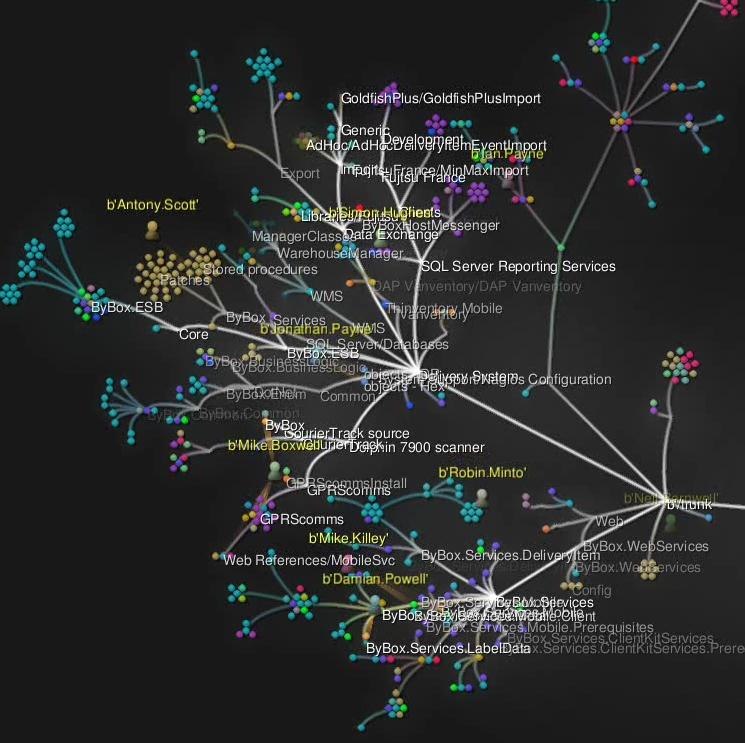
Download Gource from https://code.google.com/p/gource/ extract to C:\gource-0.28.win32
Download FFMPEG from http://www.videohelp.com/tools/ffmpeg extract to c:\ffmpeg
If using SVN also download the following:
- svn-gource.py from https://code.google.com/p/gource/wiki/SVN extract to c:\python31
- Python from http://www.python.org/download/ I used v3.1.3. extract to c:\python31
In a DOS command prompt type:
- c:
- cd C:\Data Files\Projects (Use your own SVN repository location)
- svn log -r {2011-01-01}:{2010-01-01} --verbose --xml > c:\code-trunk.log
- cd C:\gource-0.28.win32
- The follow is only required if using SVN: c:\python31\python svn-gource.py --filter-dirs c:\code-trunk.log > c:\code-trunk-gource.log
- gource --log-format custom c:\code-trunk-gource.log -1600x1040 --date-format "%d %B %y" --seconds-per-day 0.5 -a 0.1 --highlight-all-users --stop-at-end --disable-progress --output-ppm-stream c:\code-trunk.ppm --camera-mode overview --bloom-intensity 0.1 --output-framerate 25 --max-files 2000 --hide filenames,mouse -i 20
- cd c:\ffmpeg\bin
- ffmpeg -y -b 9000K -r 25 -f image2pipe -vcodec ppm -i c:\code-trunk.ppm -vcodec mpeg1video -s 1600x1040 c:\code-trunk.mpg
- ffmpeg -vcodec copy -acodec copy -i C:\some-cool-music.mp3 -i c:\code-trunk.mpg c:\code-trunk-audio.mpg
In step 3 above, if you remove the -r {2011-01-01}:{2010-01-01} it will export your whole repository. I just wanted last years.
Enjoy.

